

Airabot Chatbot Plugin
- Website
- Screens
- 13
- Upvotes
- 0
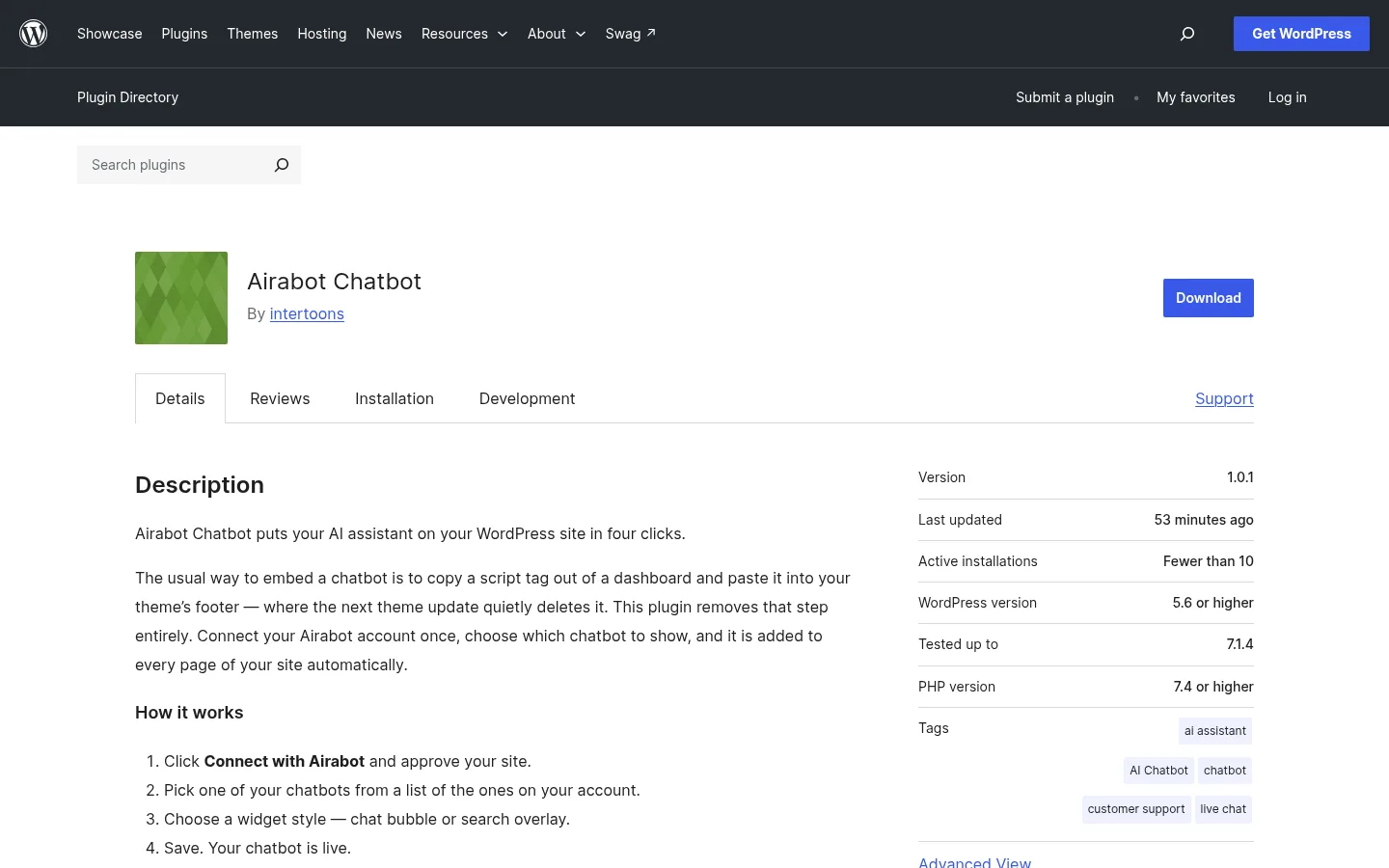
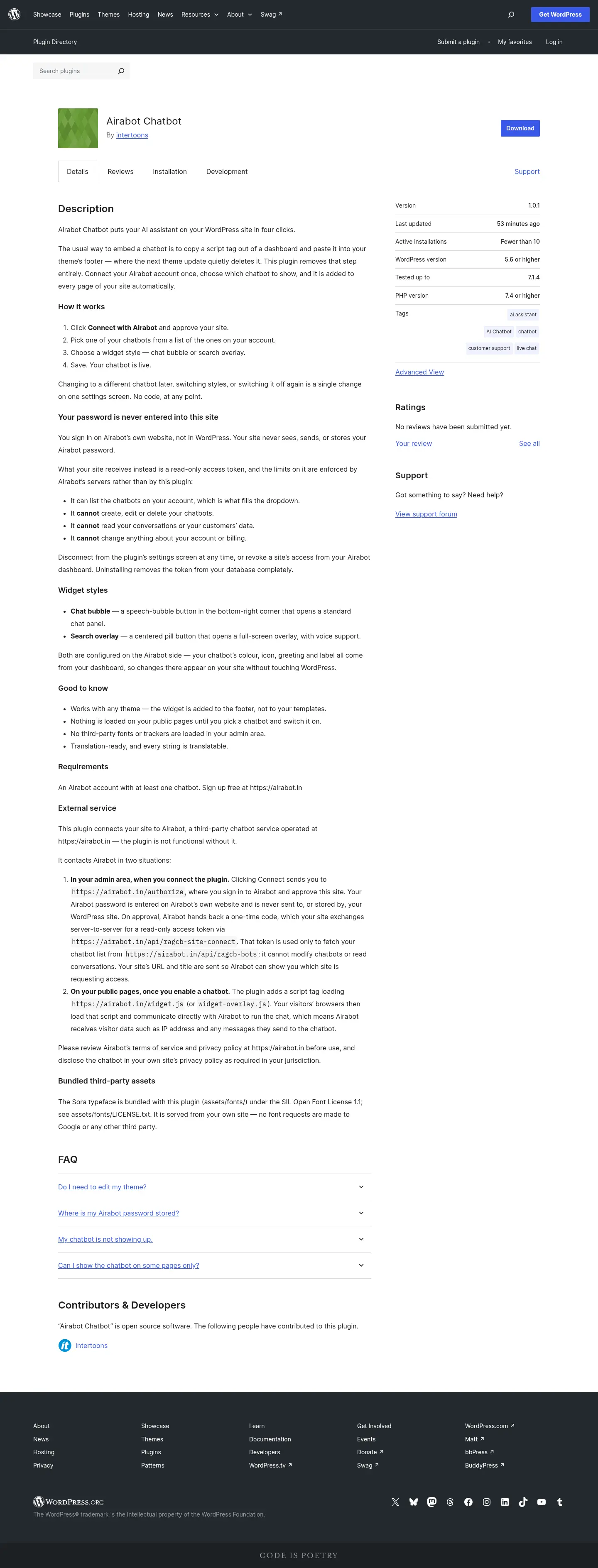
Airabot Chatbot is a WordPress plugin that lets site owners add their Airabot AI assistant in four clicks with no theme editing. Sign-in happens on Airabot's side, so sites get a read-only token instead of a password. Users choose a chat bubble or search overlay style.
The Challenge
Airabot users needed a dependable way to put their AI chatbot on a WordPress site. Embedding a chatbot usually means copying a script tag out of a dashboard and pasting it into the theme's footer. That works until the next theme update quietly deletes it, and it asks site owners to edit code they would rather not touch. Asking users to type their Airabot password into WordPress would also have created a security concern.
Our Approach
We built the plugin around one idea: connecting a chatbot should take a few clicks and no code. Site owners connect their Airabot account once, pick a chatbot from a list, choose a widget style and save. The chatbot then appears on every page automatically. Switching to a different bot, changing the style or turning the widget off later all happen on a single settings screen.
Security was built into the connection itself. Users sign in on Airabot's own website, not in WordPress, so the site never sees, sends or stores their password. The site receives only a read-only access token instead. Its limits are enforced by Airabot's servers rather than by the plugin. The token can list the account's chatbots but cannot edit them, read conversations, or touch account or billing details.
What We Built
- Connect with Airabot flow: one-click account connection with approval handled on Airabot's site
- Chatbot picker: a dropdown that lists the chatbots on the connected account
- Widget style options: a choice between a chat-bubble button in the bottom-right corner and a search overlay
- Single settings screen: one place to change chatbots, switch styles or disable the widget
- Disconnect and clean uninstall: access can be revoked from the plugin or the Airabot dashboard, and uninstalling removes the token from the database completely
- WordPress.org listing: installation guidance and an FAQ covering theme editing, password storage, troubleshooting and per-page display
Case study
More about this project
Technology
ReactJS gives the settings screen a responsive interface, so connecting, selecting a bot and switching styles feel immediate. TypeScript adds type safety across the connection flow and the token handling, where mistakes would directly affect security. Cloudflare provides a fast, distributed layer for delivering the widget and handling requests between WordPress sites and Airabot. Claude powers the AI assistant that site visitors interact with. Together, these tools support a plugin that is simple for site owners to use and keeps account access tightly limited.
Screens
13 screens · open any to view it full size
Project details
- Type
- Website
- Industry
- Technology & SaaS
- Country
 India
- Year
- 2026
- Team
- Abhilash Sivaraman
- Built with
- Live site
- wordpress.org
Full page preview
Scroll to explore the whole page.
Quick answers
- What does the Airabot Chatbot Plugin do?
- It is a WordPress plugin that adds a site owner's Airabot AI assistant to every page in four clicks: connect, pick a chatbot, choose a style, and save. No theme editing or copy-pasting of script tags is required.
- Do I need to edit my WordPress theme to use Airabot Chatbot?
- No. The plugin adds the chatbot automatically, so a theme update cannot quietly delete a pasted script tag from the footer.
- Is my Airabot password stored on my WordPress site?
- No. Sign-in happens on Airabot's own website, and the site receives only a read-only access token. Airabot's servers enforce the token's limits, so it cannot edit chatbots, read conversations or change account or billing details.
- What widget styles does the Airabot Chatbot Plugin offer?
- Users can choose between a chat bubble, shown as a speech-bubble button in the bottom-right corner, and a search overlay. Switching styles is a single change on one settings screen.
- What technology was used to build the Airabot Chatbot Plugin?
- Intertoons built the plugin in 2026 using TypeScript, ReactJS, Claude and Cloudflare. It is published in the WordPress.org plugin directory.
- What is Airabot Chatbot Plugin?
- Airabot Chatbot Plugin is a website. Airabot Chatbot is a WordPress plugin that lets site owners add their Airabot AI assistant in four clicks with no theme editing. Sign-in happens on Airabot's side, so sites get a read-only token instead of a password. Users choose a chat bubble or search overlay style.
- What technologies were used to build Airabot Chatbot Plugin?
- Airabot Chatbot Plugin was built with TypeScript, Claude, Cloudflare, ReactJS.
- What screens does Airabot Chatbot Plugin include?
- Airabot Chatbot Plugin showcases 12 additional screens: About (child page), Blocks (child page), Documentation (child page), Download (child page), Education (child page), Enterprise (child page), Five for the future (child page), Gutenberg (child page), Hosting (child page), News (child page), Patterns (child page), Photos (child page).
- Who built Airabot Chatbot Plugin?
- Airabot Chatbot Plugin was designed and built by Abhilash Sivaraman.
- Where can I see Airabot Chatbot Plugin live?
- You can visit Airabot Chatbot Plugin at https://wordpress.org/plugins/airabot-chatbot/.
- When was Airabot Chatbot Plugin built?
- Airabot Chatbot Plugin was built in 2026.
Want something like Airabot Chatbot Plugin?
Tell us about your project and we’ll reply with a clear plan, a timeline and a tailored quote.
More projects
 OtherTechnology & SaaS2026Featured
Airabot
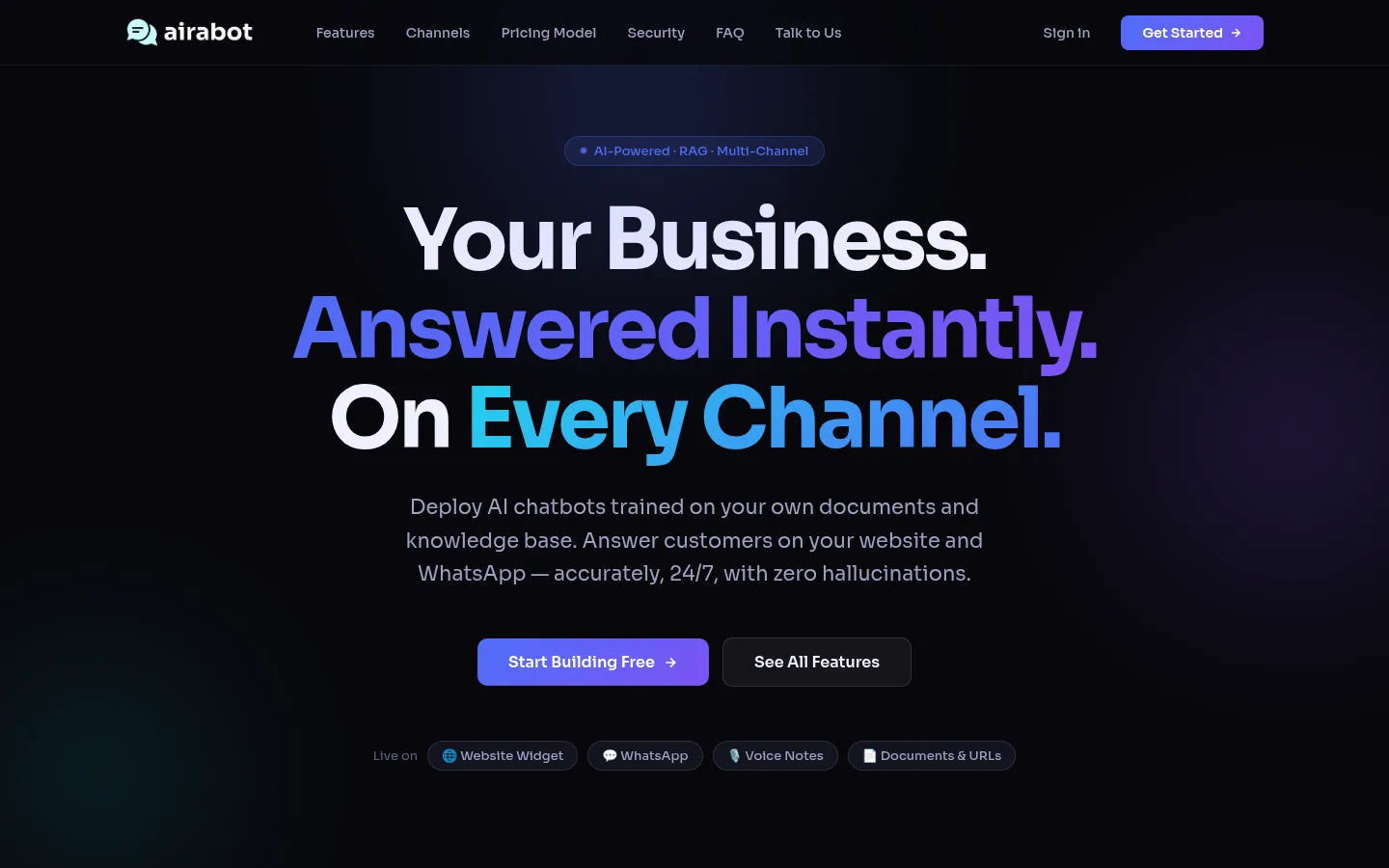
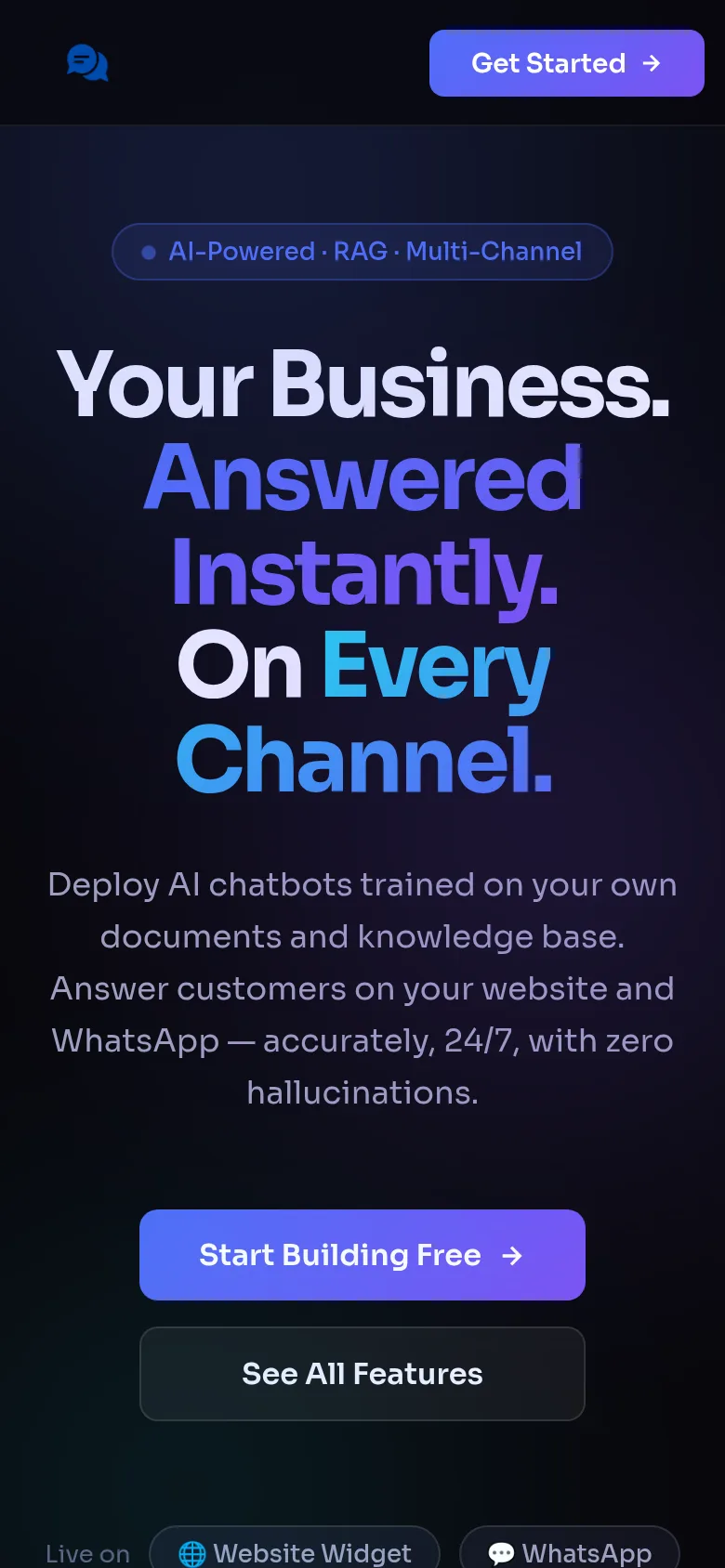
Airabot is a multi-tenant AI chatbot builder for agencies and SaaS teams that trains bots on your documents and URLs and deploys them to websites or WhatsApp. It is built with React, TypeScript and Claude on Cloudflare's edge network.
 TypeScript
 Claude
 Cloudflare
 ReactJS


 Website2026
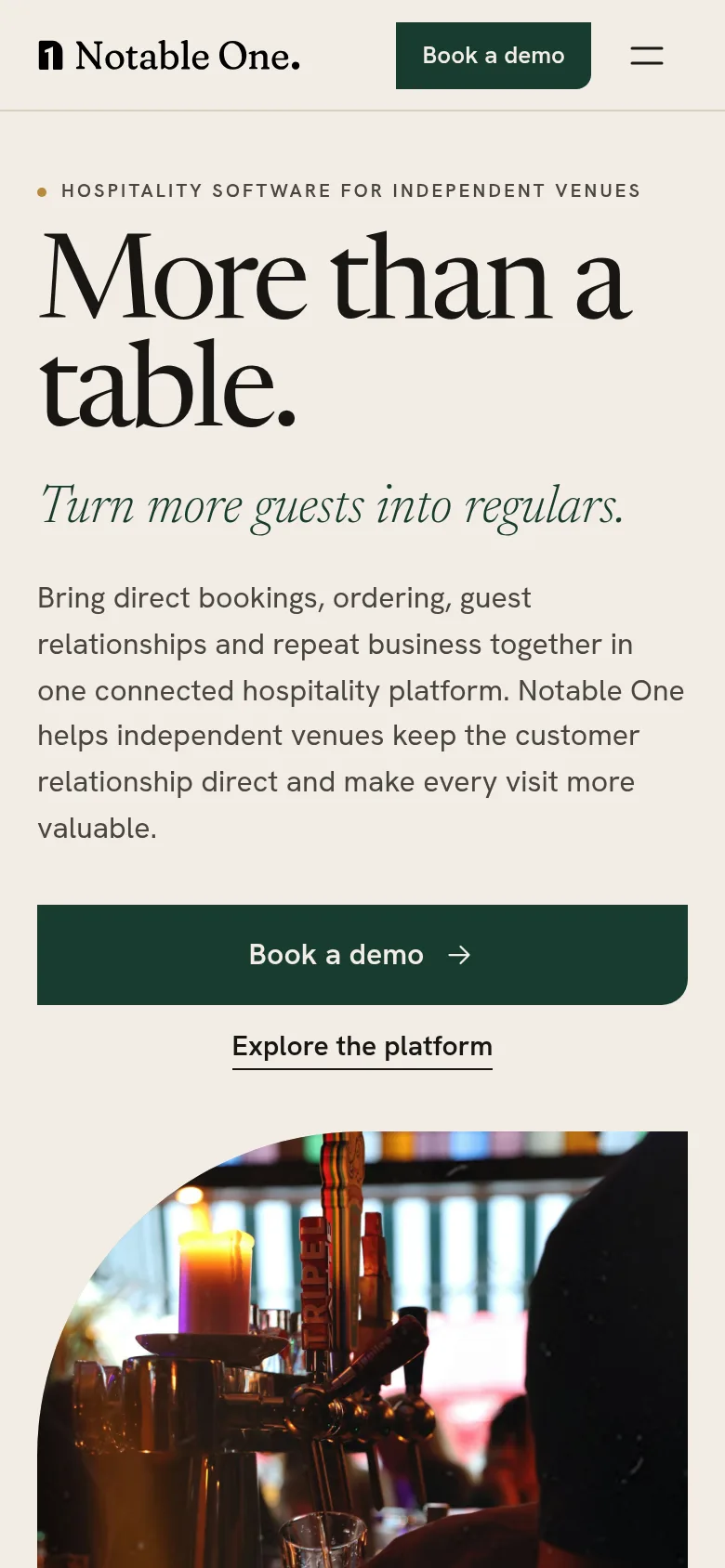
Notable One
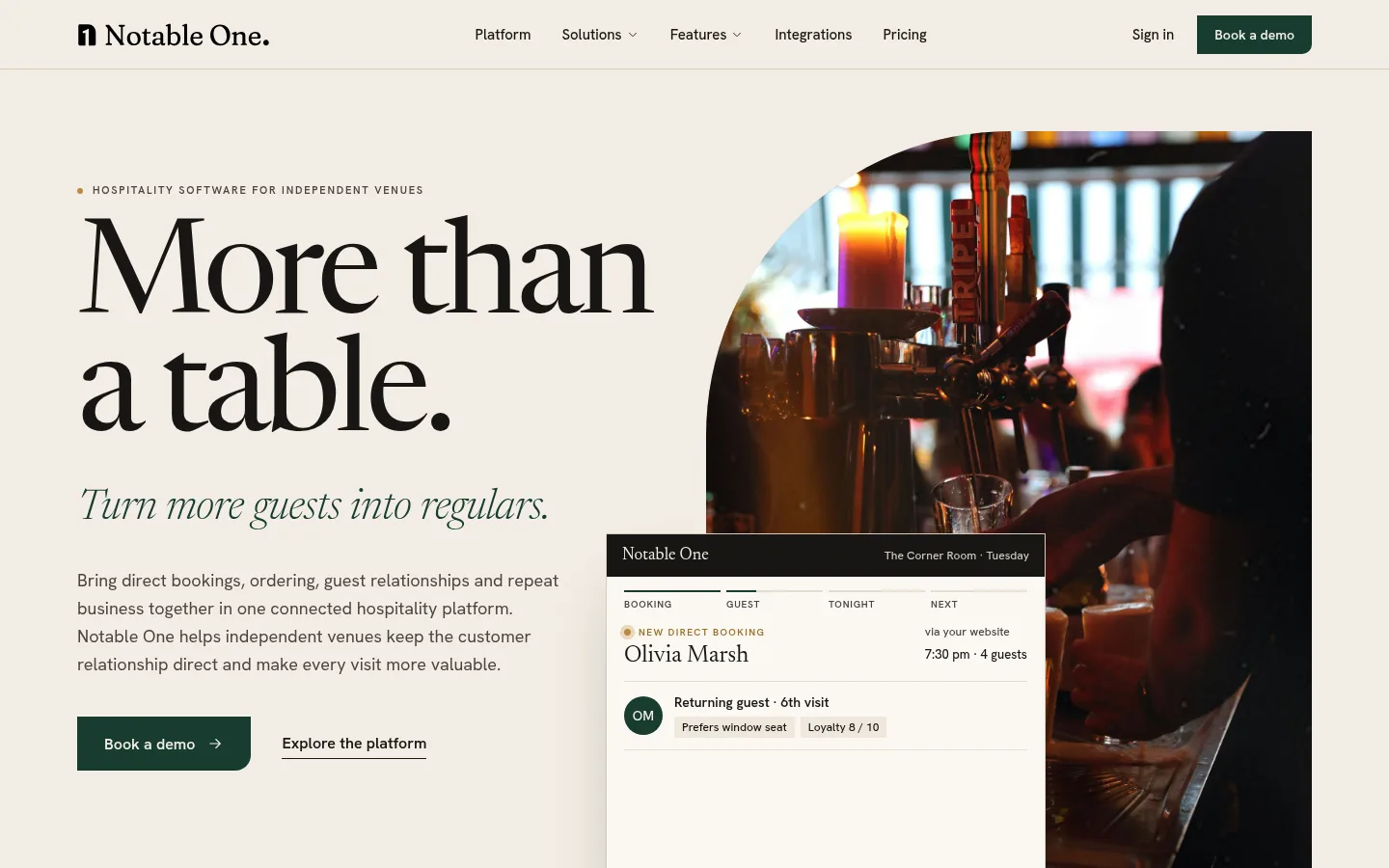
Website for Notable One, a hospitality platform for independent cafés, restaurants and bars, presenting bookings, ordering, guest CRM and loyalty as one connected journey, with a live-style example venue dashboard showing returning guests and loyalty.
 NodeJS
- posgres
 Supabase
- ReactJS
 Tailwind
- TypeScript
- +2




 WebsiteAutomotive2026
Chicago
A website for Chicago Van Rentals, built for customers looking to rent vans in Chicago. It pairs a ReactJS and Tailwind front end with a NestJS and Node.js back end on PostgreSQL, with ChatGPT and Claude in the toolset.
 ChatGPT
- Claude
- Tailwind
- ReactJS
- NodeJS
- nest.js
- +1